
Features
Everything for the trip, in one place.
Plan the days, keep your bookings close, track what you spend and remember it all. Solo, as a couple, with family or with friends.
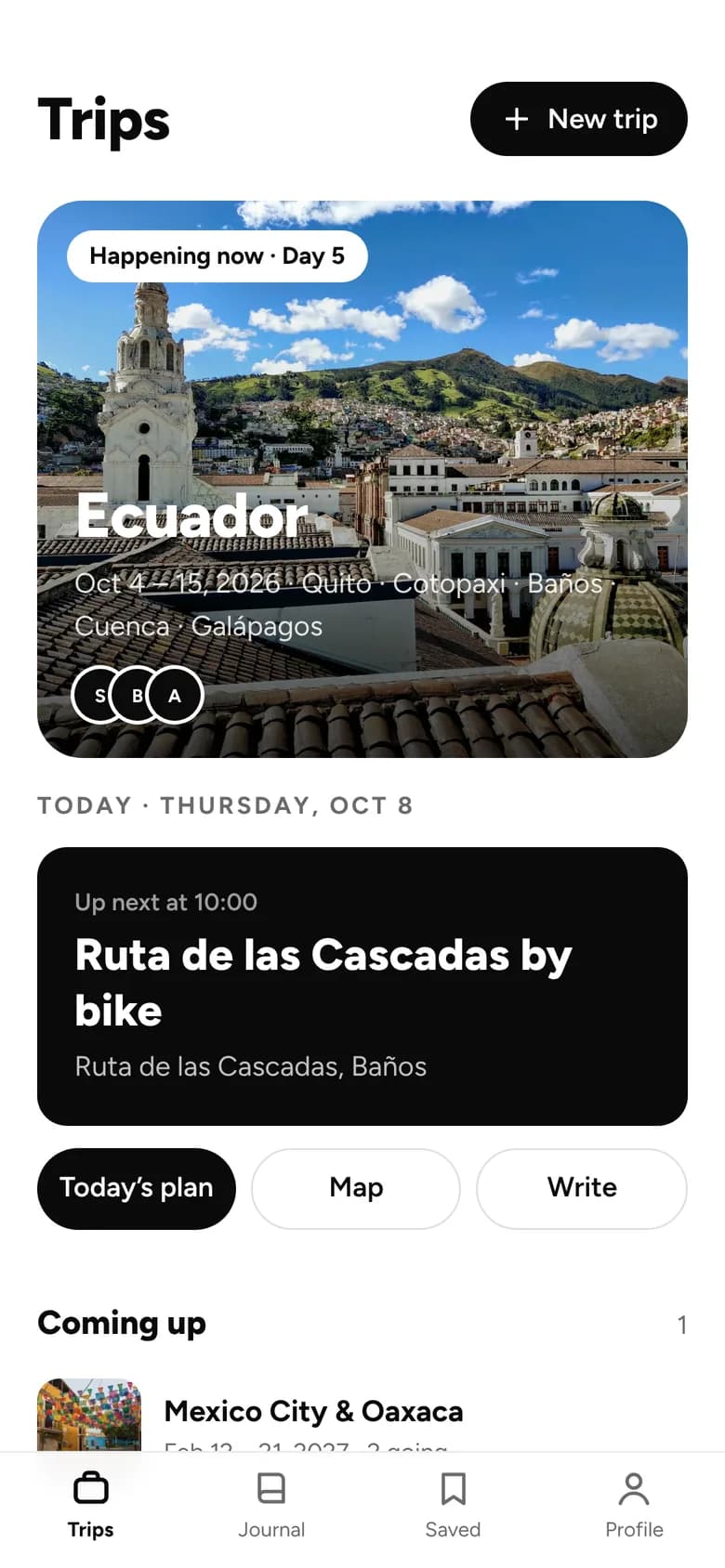
01 · Plan
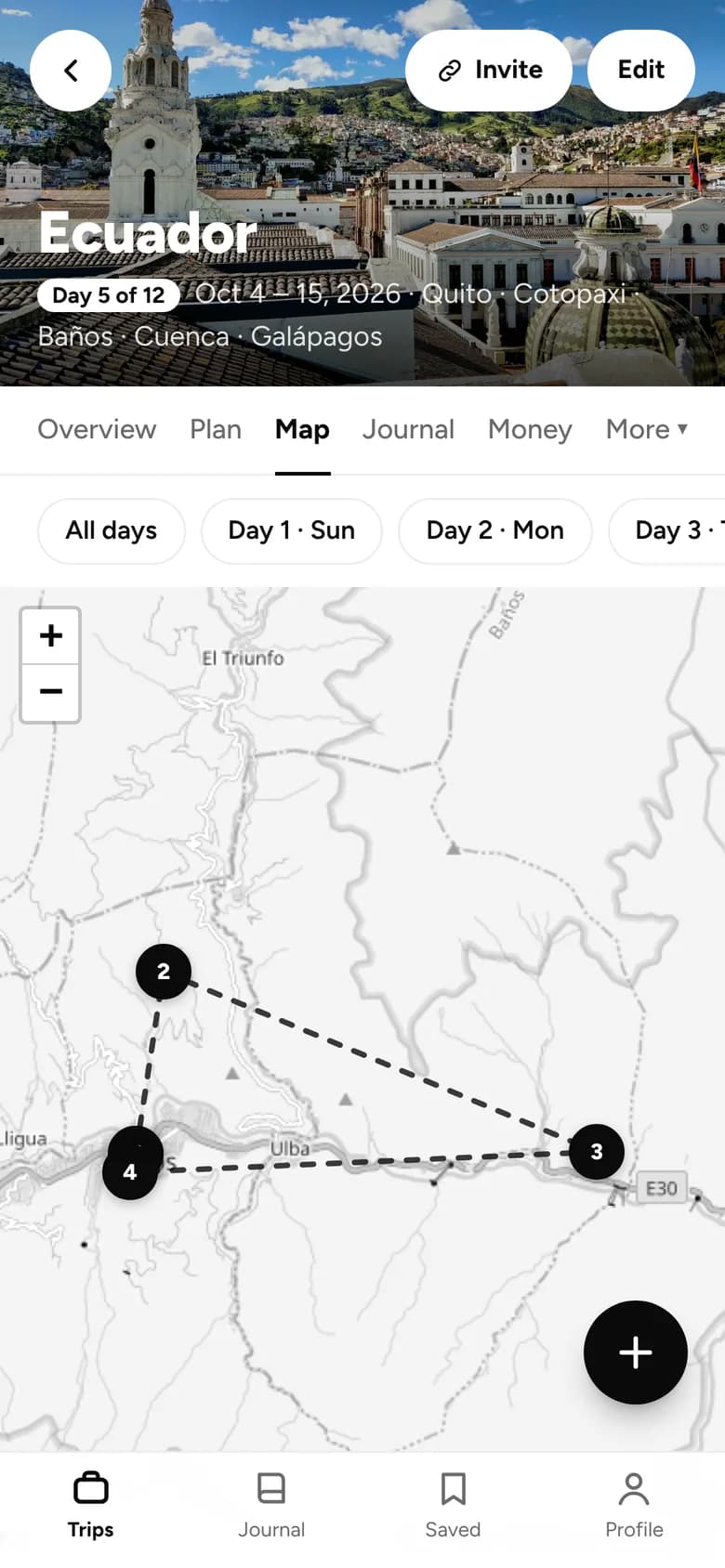
Every day planned. Every stop on a map.
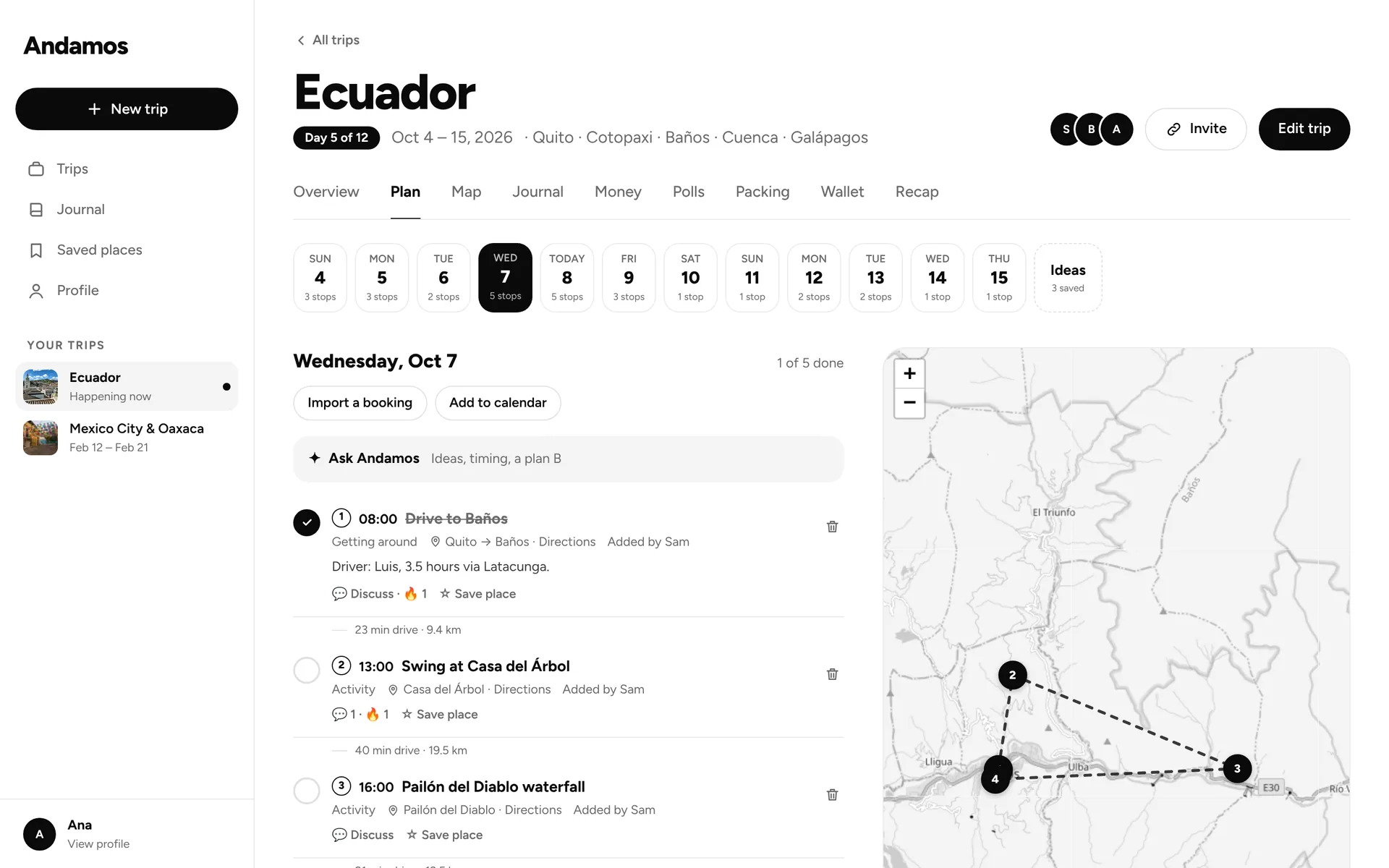
Lay out the trip day by day, with times. See where everything is and how long it takes to get between stops.
- A day-by-day plan with times for every stop.
- Every stop on a map, with the drive time between them.
- A heads-up when the gap between two stops is too tight.
- The weather forecast for each day.
- Stays that span several nights, shown as a banner.
- An ideas list for things that don’t have a day yet.
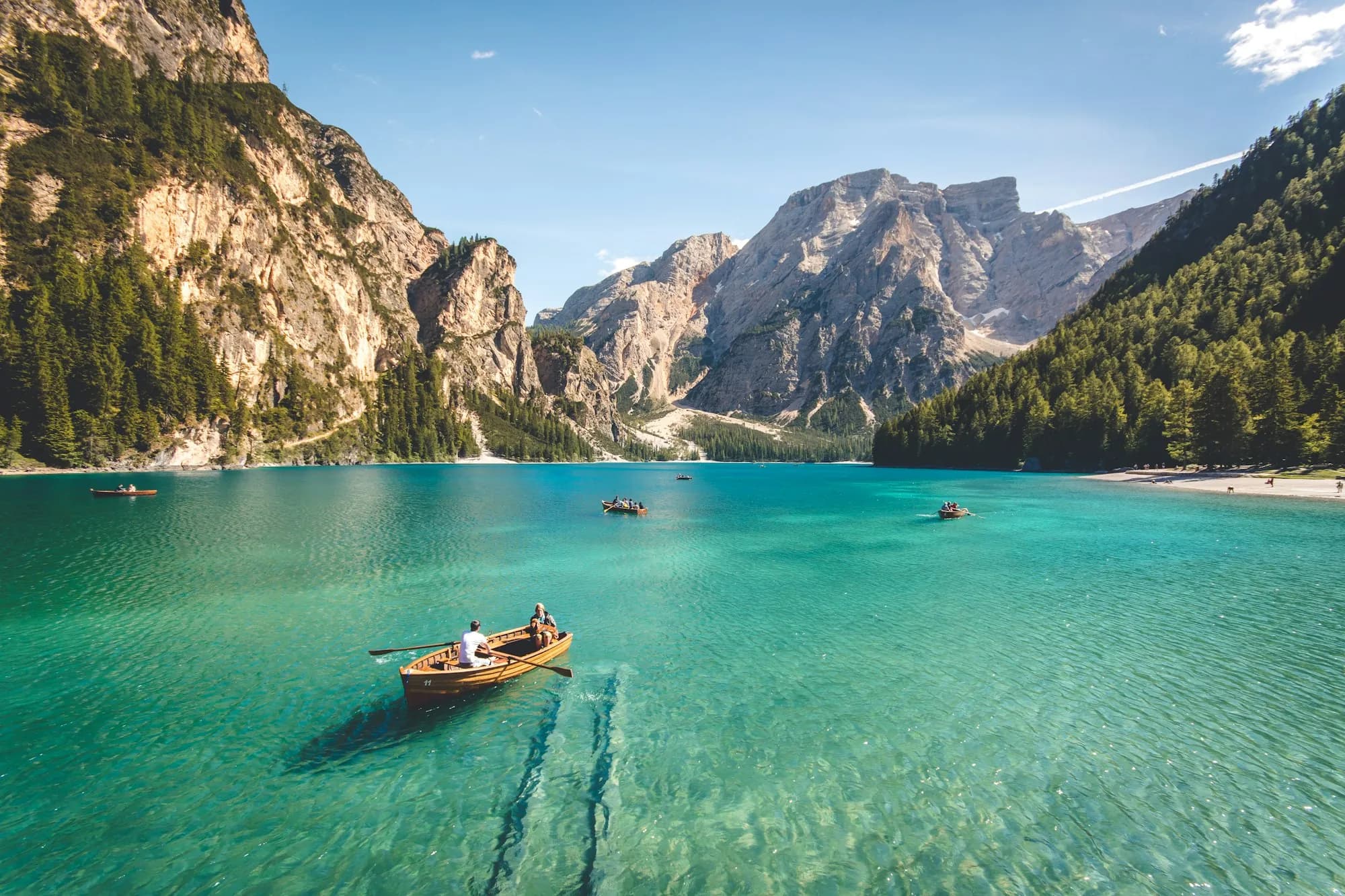 Lago di Braies · 46.69° N, 12.08° E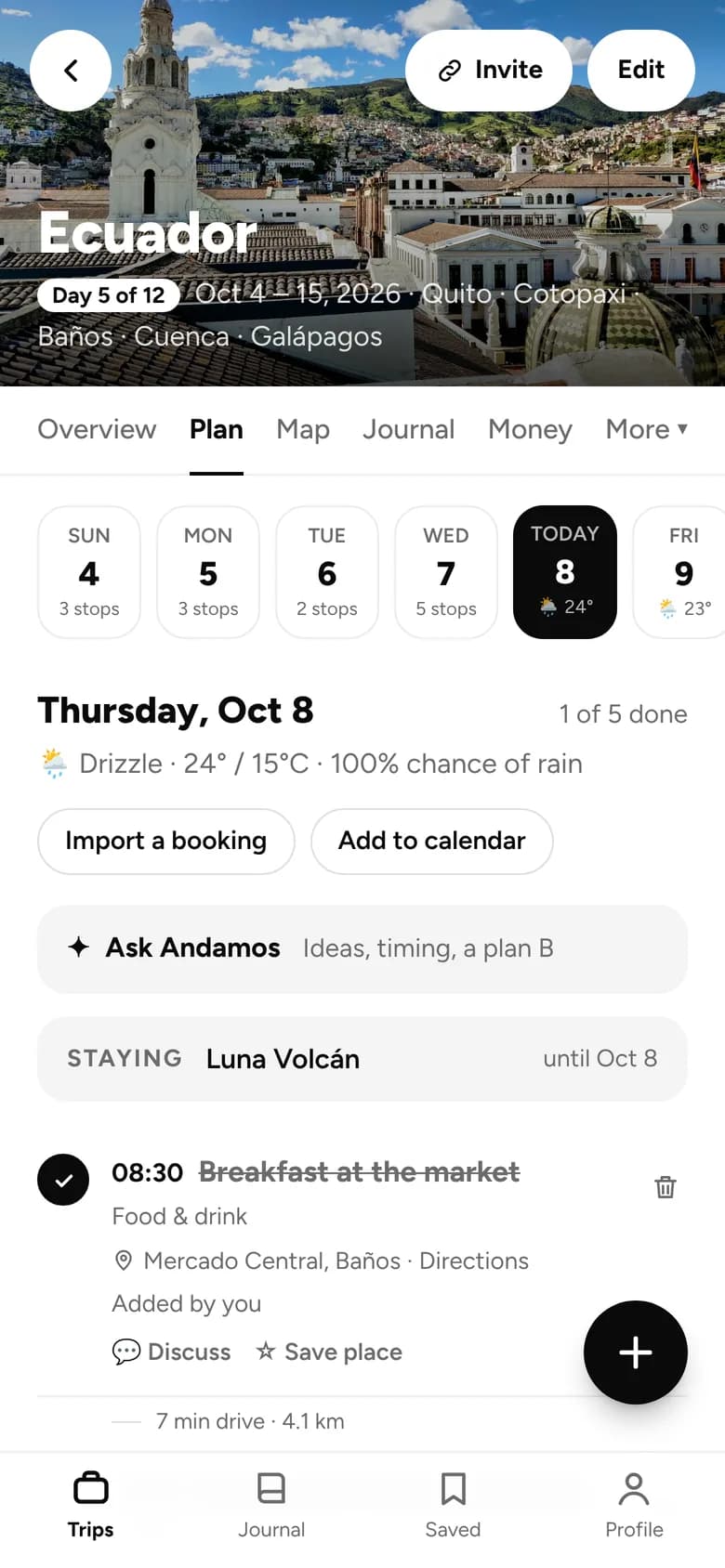
Ask Andamos
An AI helper that knows your plan. Add what it suggests with one tap.
- Fill my free afternoon
- Is Saturday too packed?
- Plan B if it rains
- Somewhere good to eat nearby
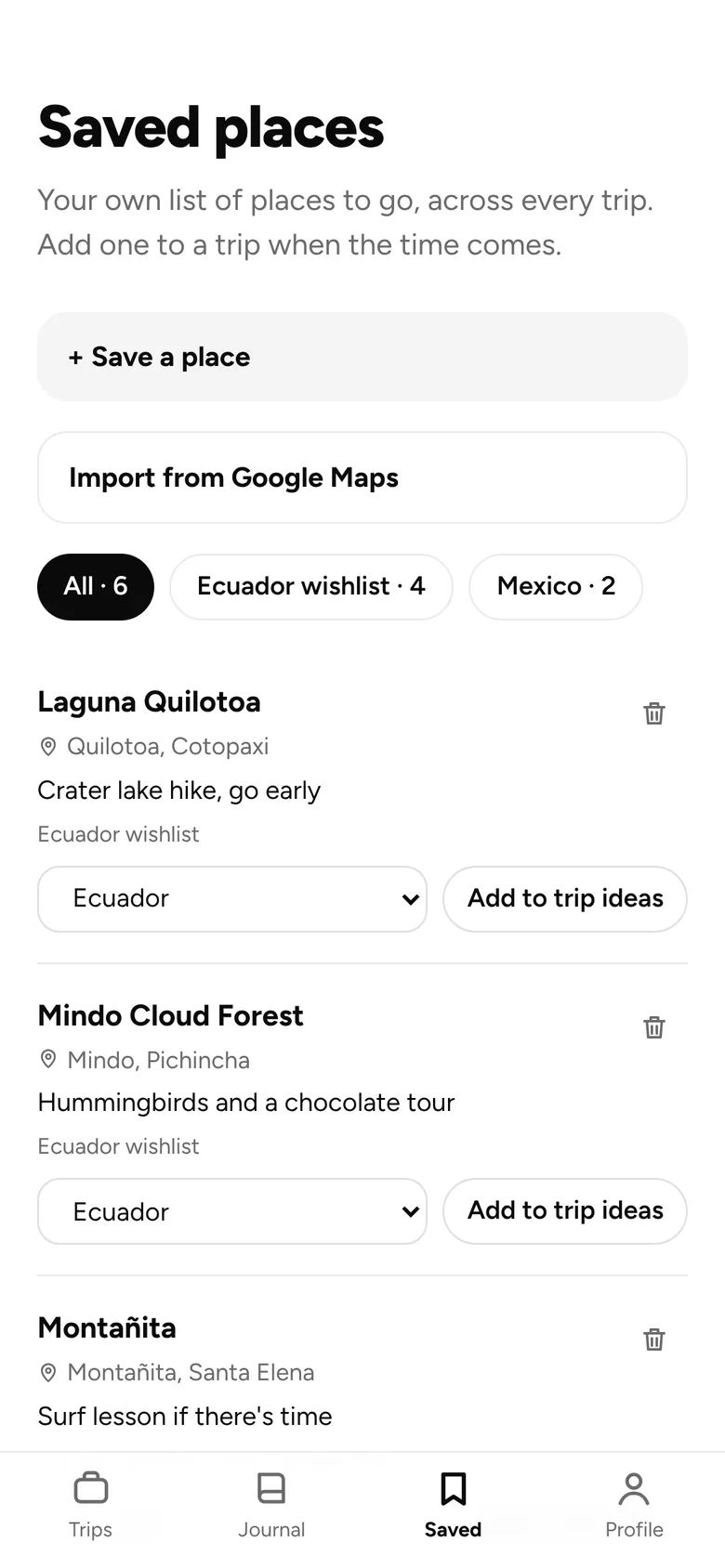
Saved places
One list across all your trips, sorted into lists. Bring over your Google Maps saved places, then add any of them to a trip.
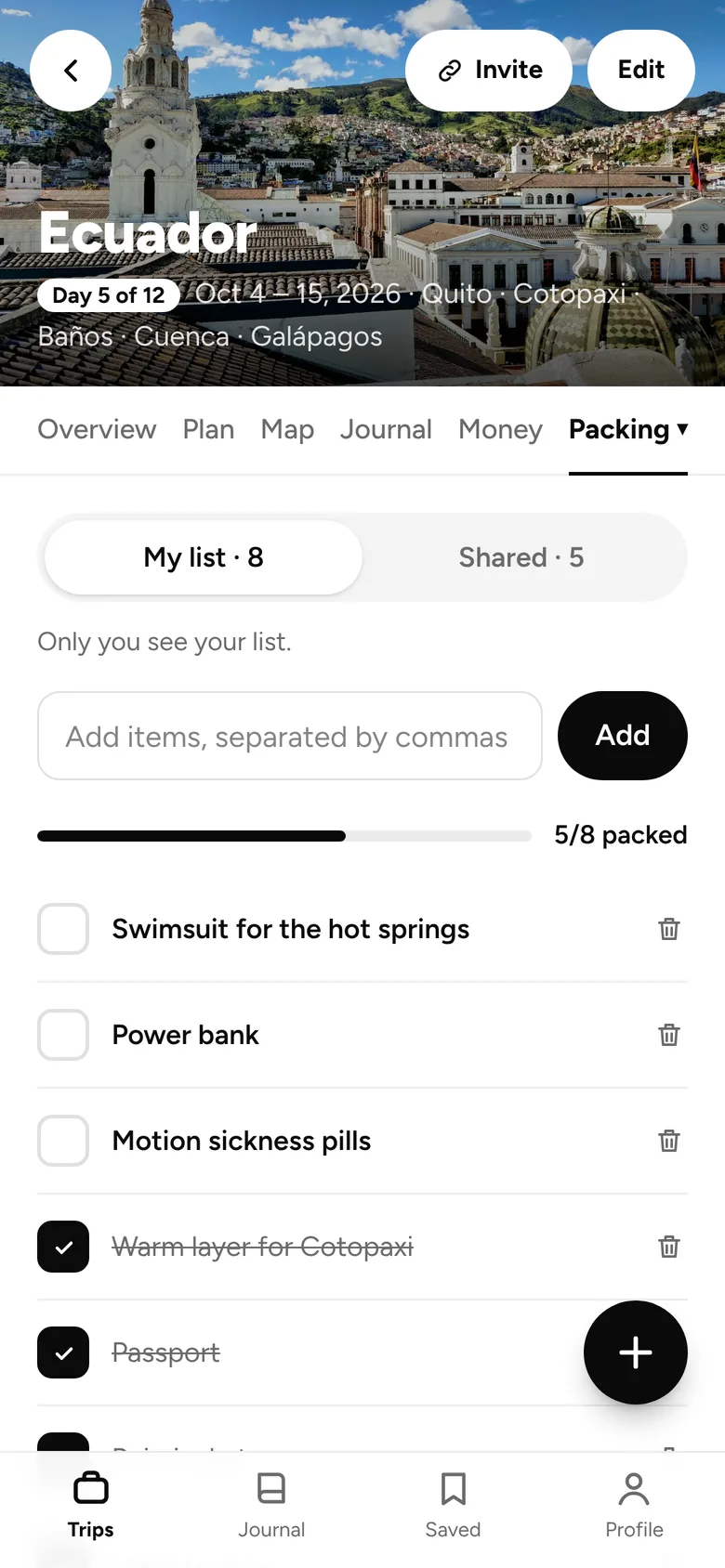
Packing
A list only you see, plus a shared one. Start from templates: essentials, city, beach, outdoors, or traveling with a baby.
02 · Bookings
Paste the email. The booking lands on the right day.
Paste a confirmation email or upload a PDF or screenshot. Andamos reads it and adds it to your plan.
- Flights, hotels, trains and reservations, read for you by AI.
- Added to the right day, ready to go.
- Flight stops show a flight card with tracking links.
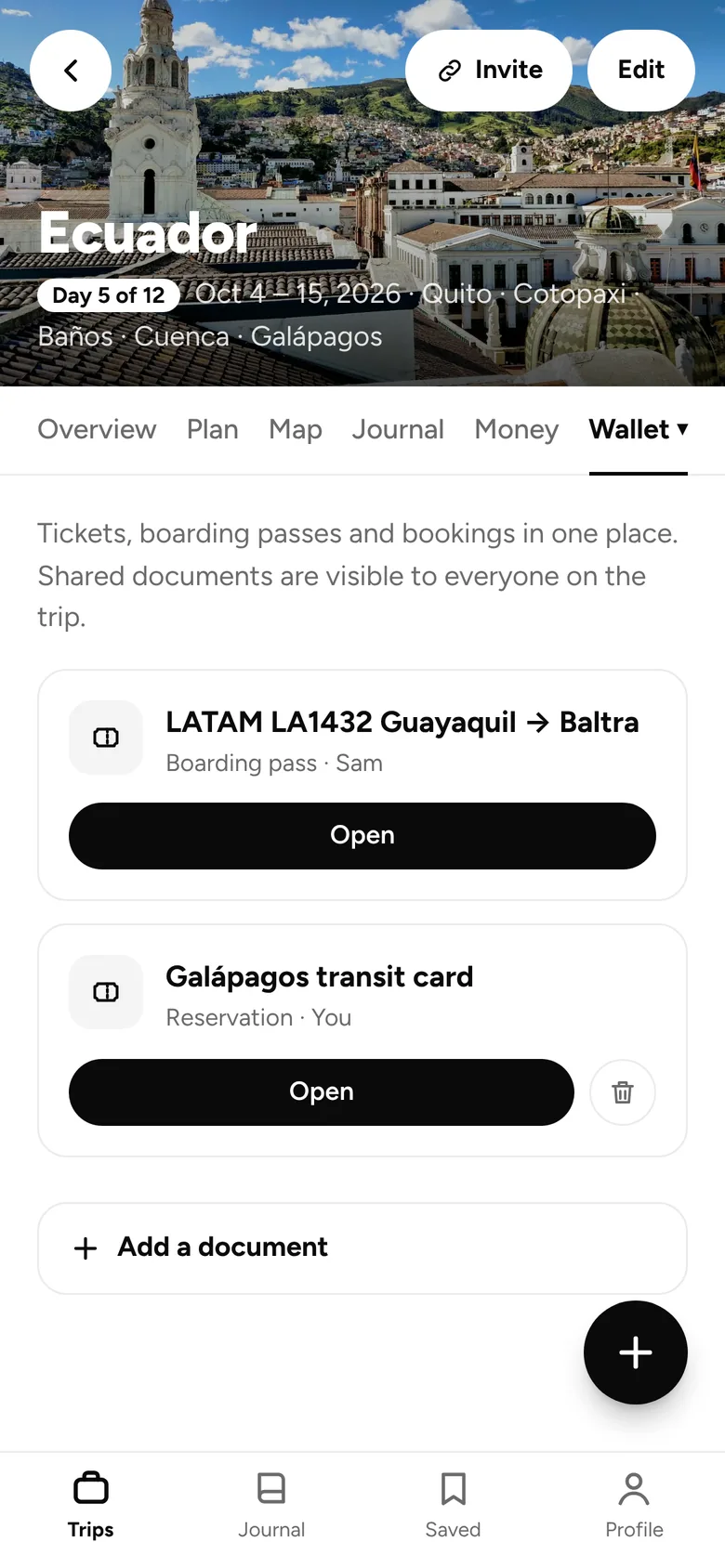
- Save the file to your wallet in the same step.
- A wallet for tickets, boarding passes, confirmations and ID scans.
- Keep each one private or share it. They open offline.
 Kyoto · 35.00° N, 135.78° E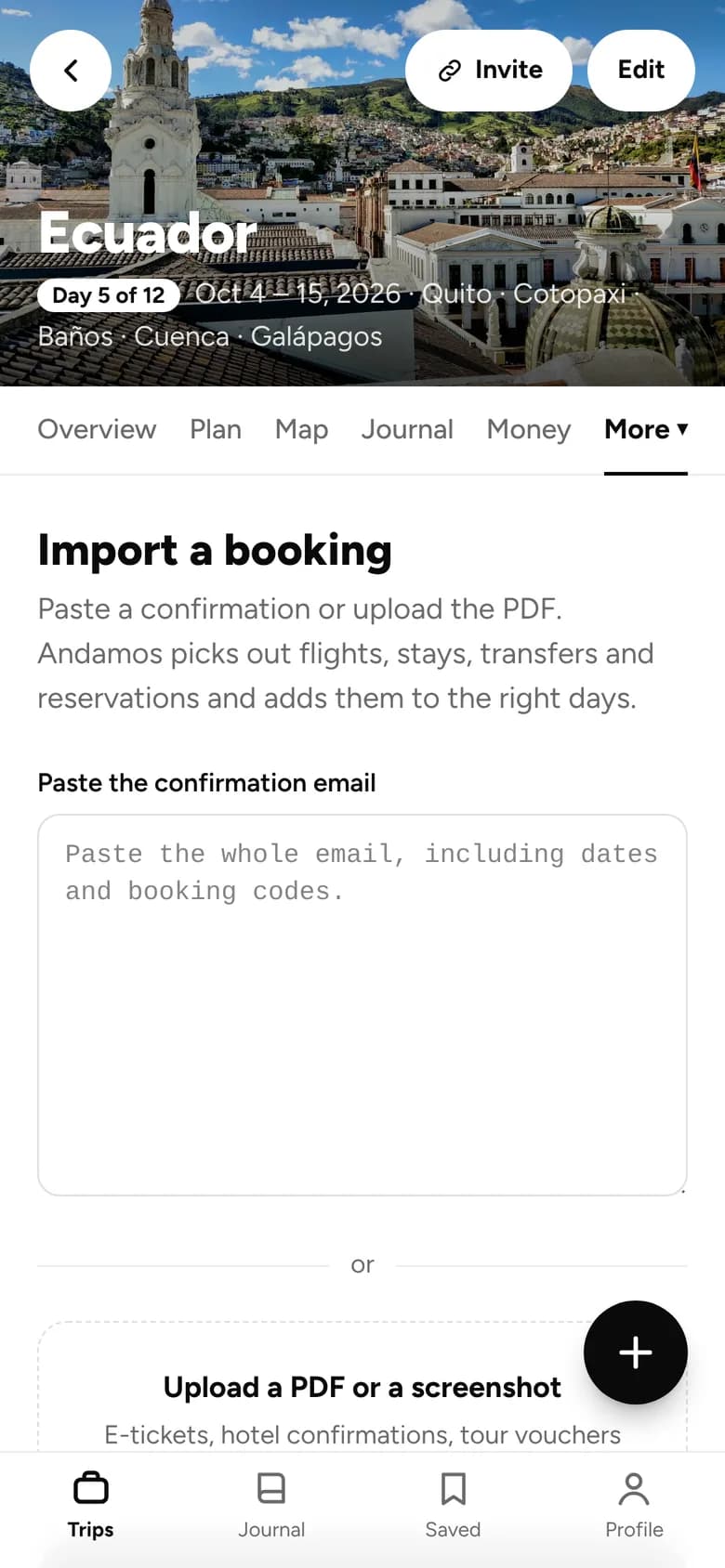

03 · On the trip
Know what’s next, wherever you are.
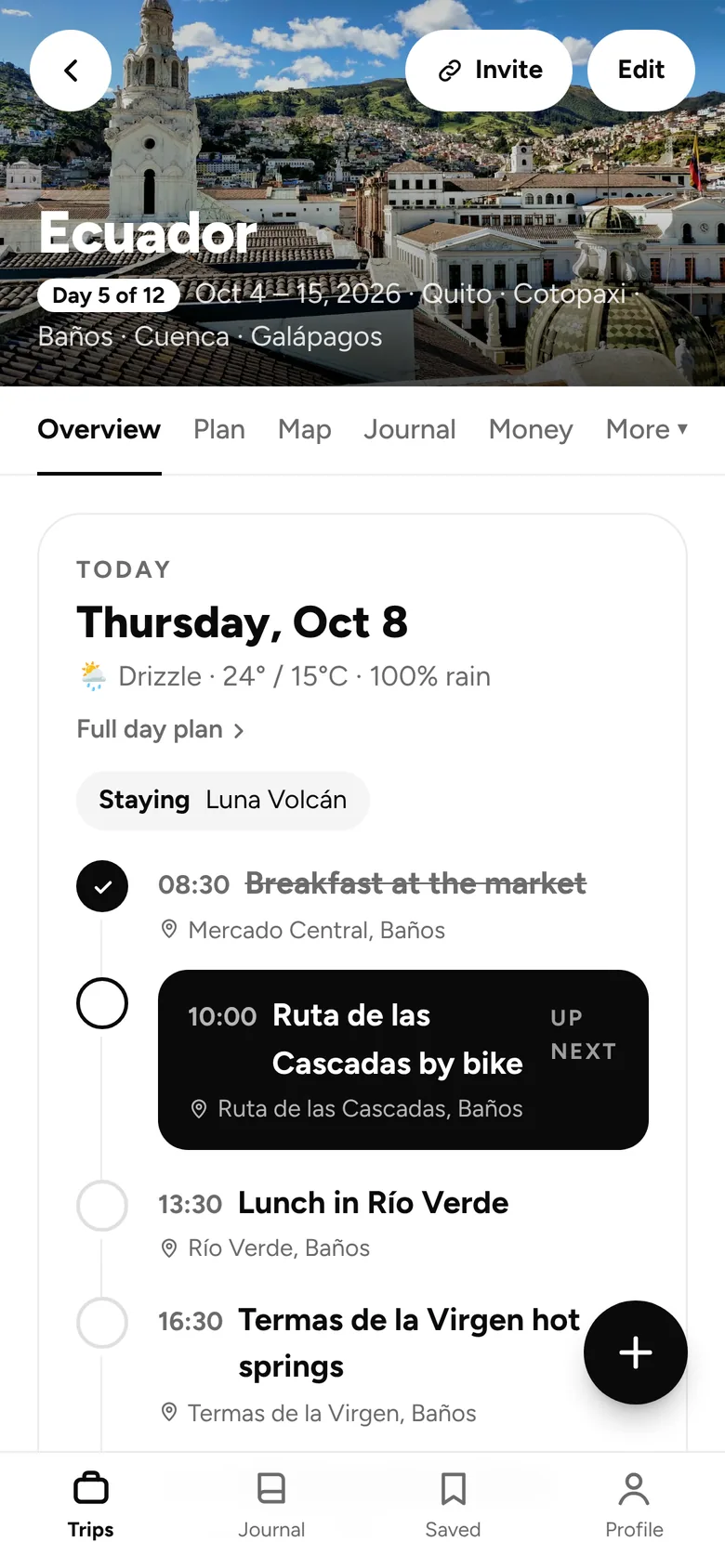
Once you’re out the door, the today view shows where you need to be and when.
- A today view with what’s coming up next.
- A reminder 30 minutes before each timed stop.
- A notification when someone adds something. You choose which.
- Pages and files you’ve opened work offline.
- The trip’s time zone, so “today” is right when you’re abroad.
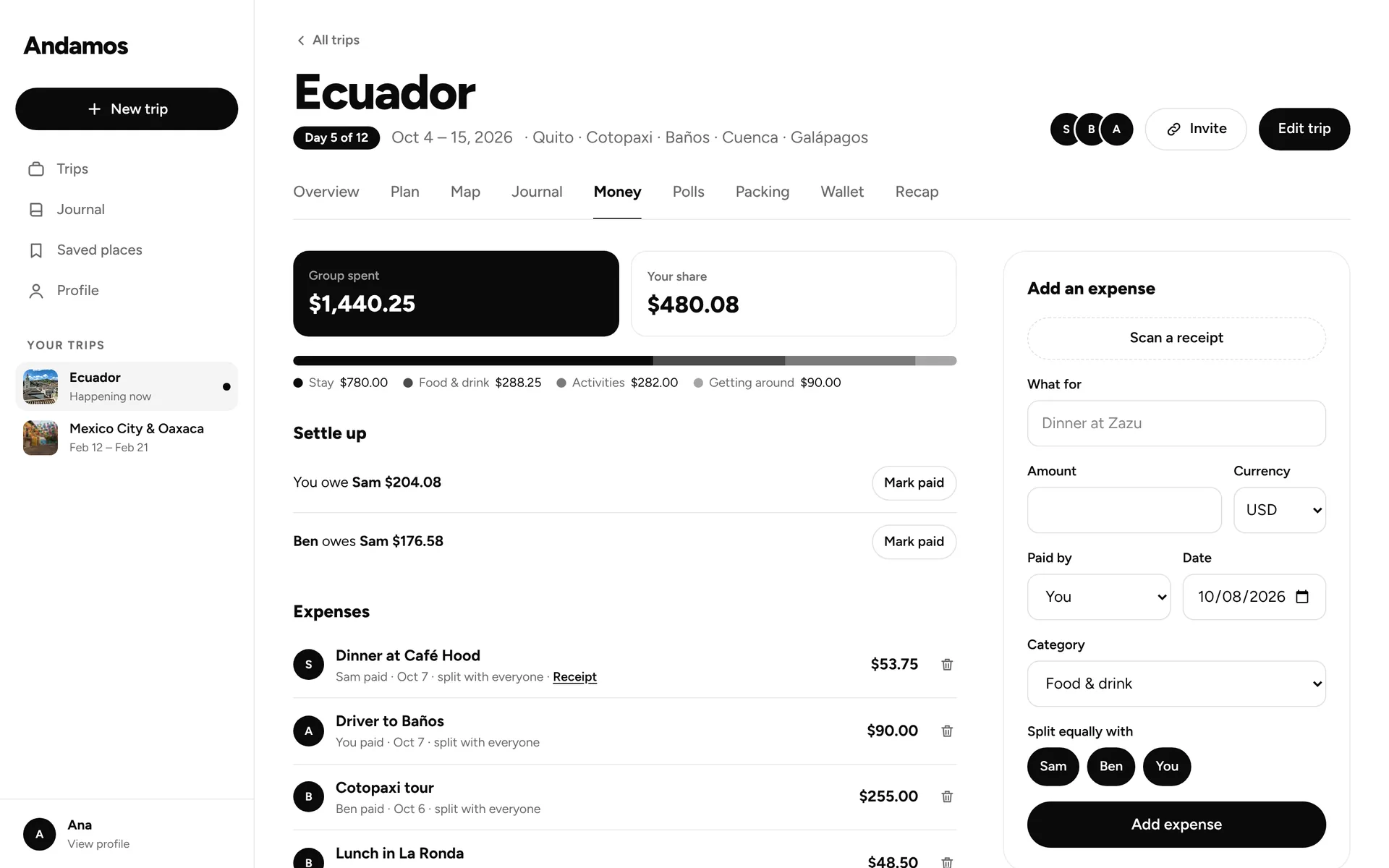
04 · Money
Spend in any currency. Settle up in a tap.
Log what things cost as you go. Andamos converts it to the trip currency and keeps the totals straight.
- Any currency, with live exchange rates to the trip currency.
- Scan a receipt and it fills itself in.
- Categories, so you can see where it went.
- Split costs with the people you travel with.
- Settle up, then tap “Mark paid” when it’s done.
 Oaxaca · 17.07° N, 96.72° W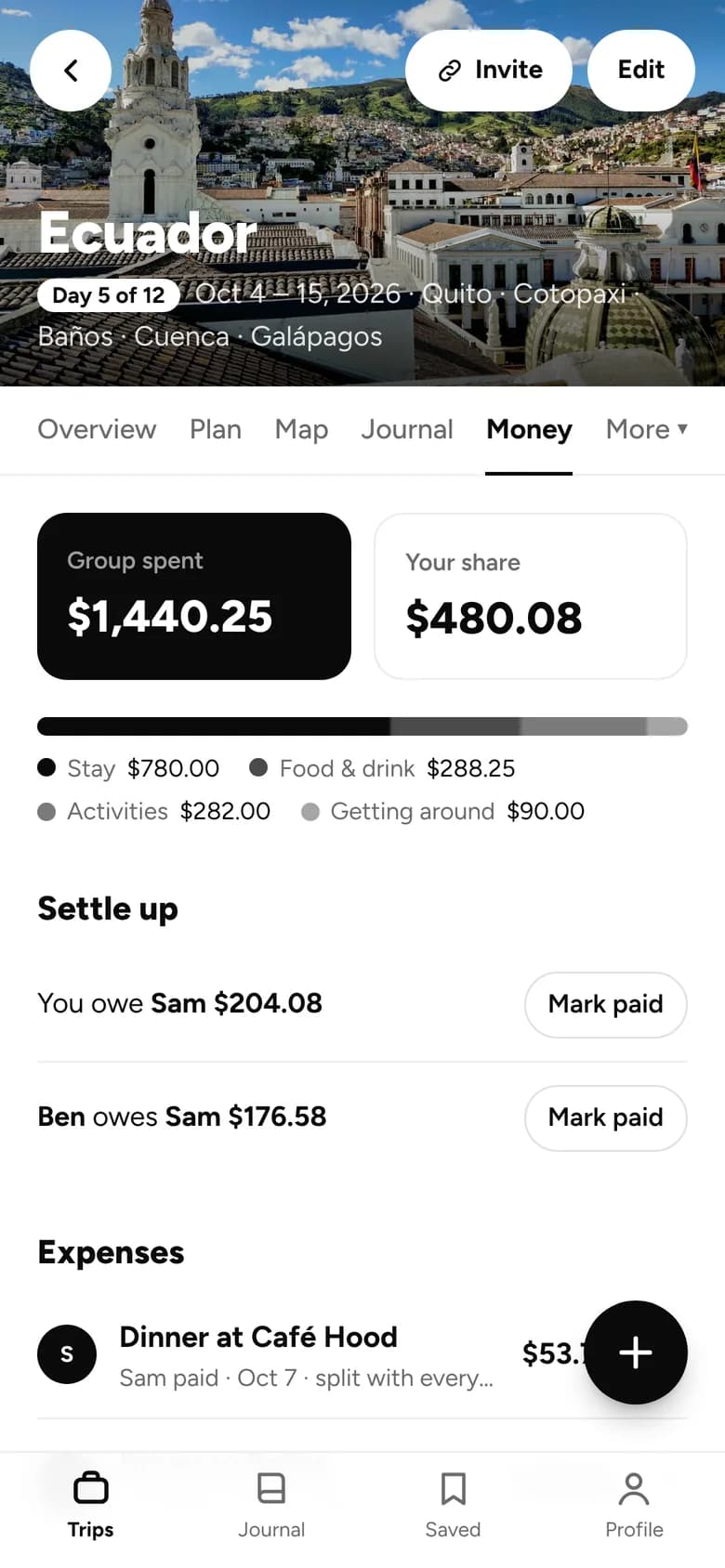
05 · Together
Going with others? Everyone’s on the same page.
Invite people when you’re ready. Decisions happen next to the plan instead of in a long group chat.
- Invite by link or by email.
- Everyone sees the same plan.
- Polls for anything: where to eat, what to book.
- “When can everyone go?” date polls. The winner can become the trip dates.
- Comments and emoji reactions on stops and memories.
- An activity feed, so you can see what’s new.
 Lisboa · 38.71° N, 9.15° W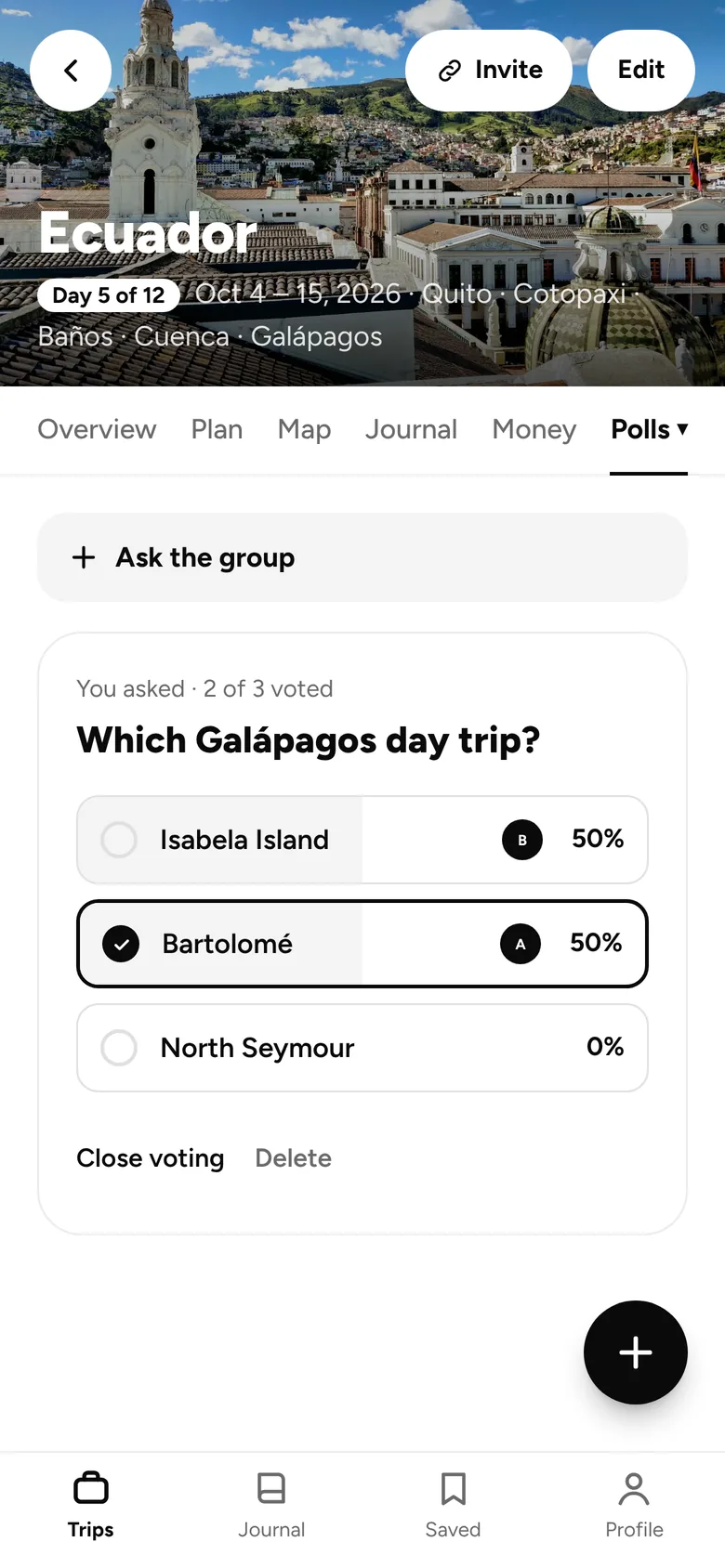
06 · Memories
Remember it. Share the highlights.
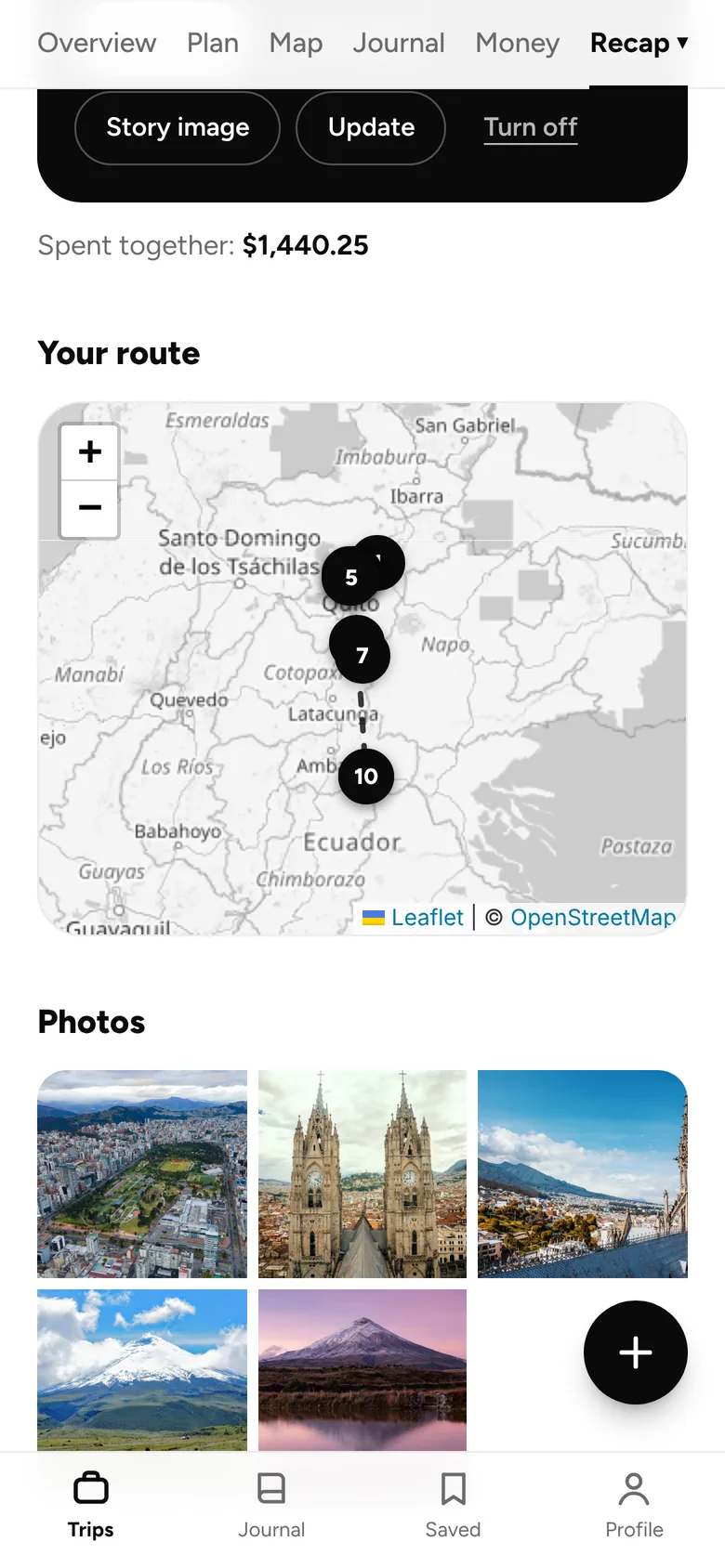
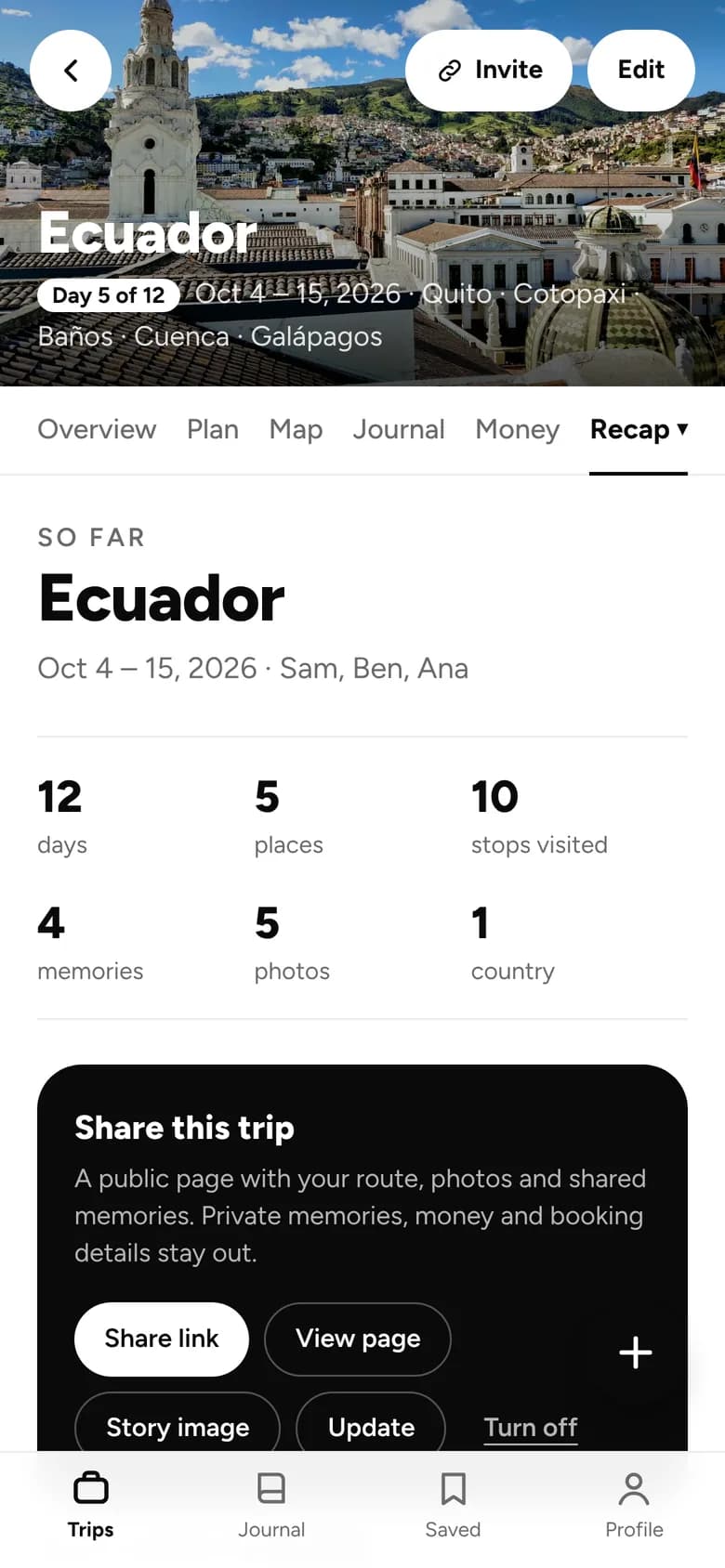
Write memories with photos as it happens. When you’re home, Andamos turns the trip into a recap.
- Memories with photos and notes, private or shared.
- Comments and reactions on shared memories.
- A recap with your route, distance, days, places and photos, day by day.
- A link to share it. Private memories, money and booking details stay out.
- A story image for social. Turn the link off anytime.
 Galápagos · 0.28° S, 90.55° W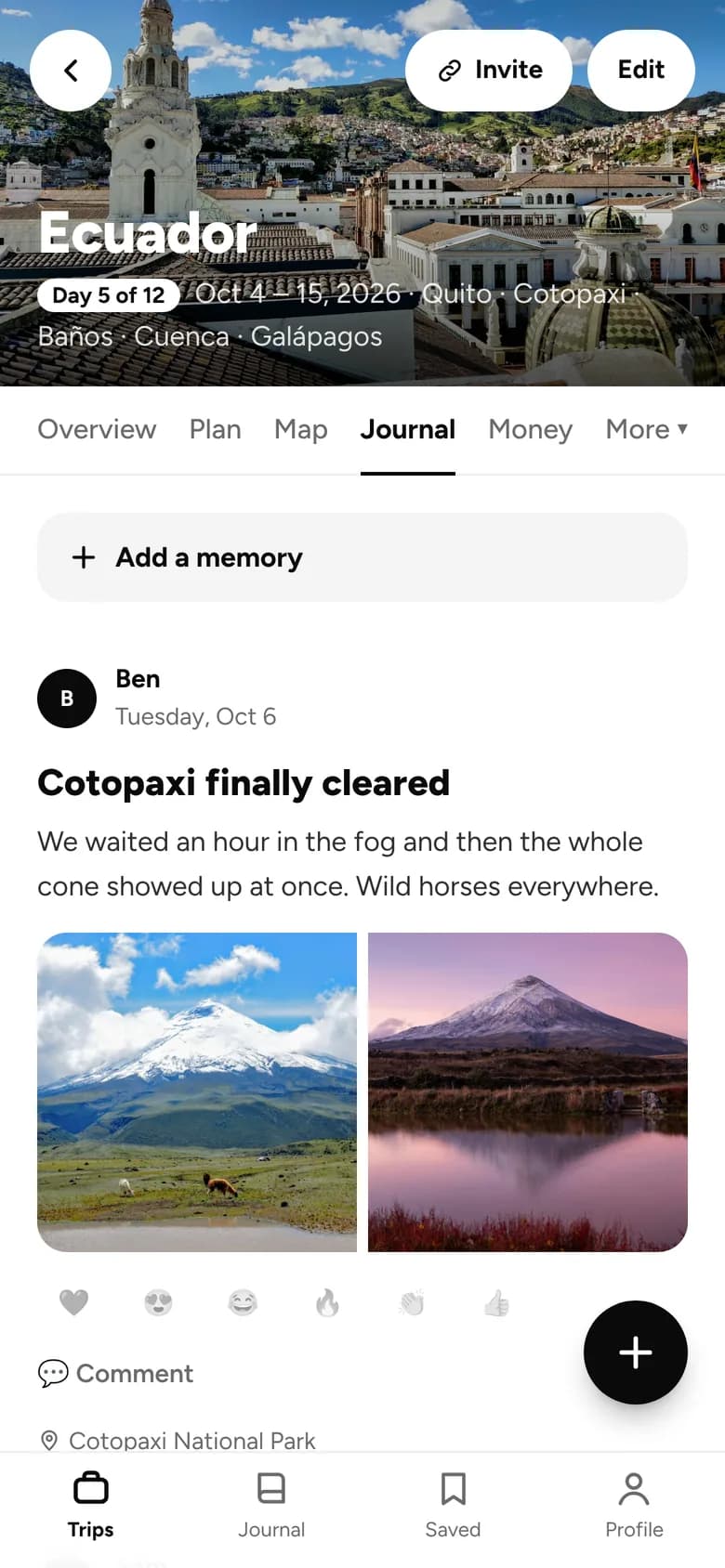
Phone and desktop
Works on your laptop too.
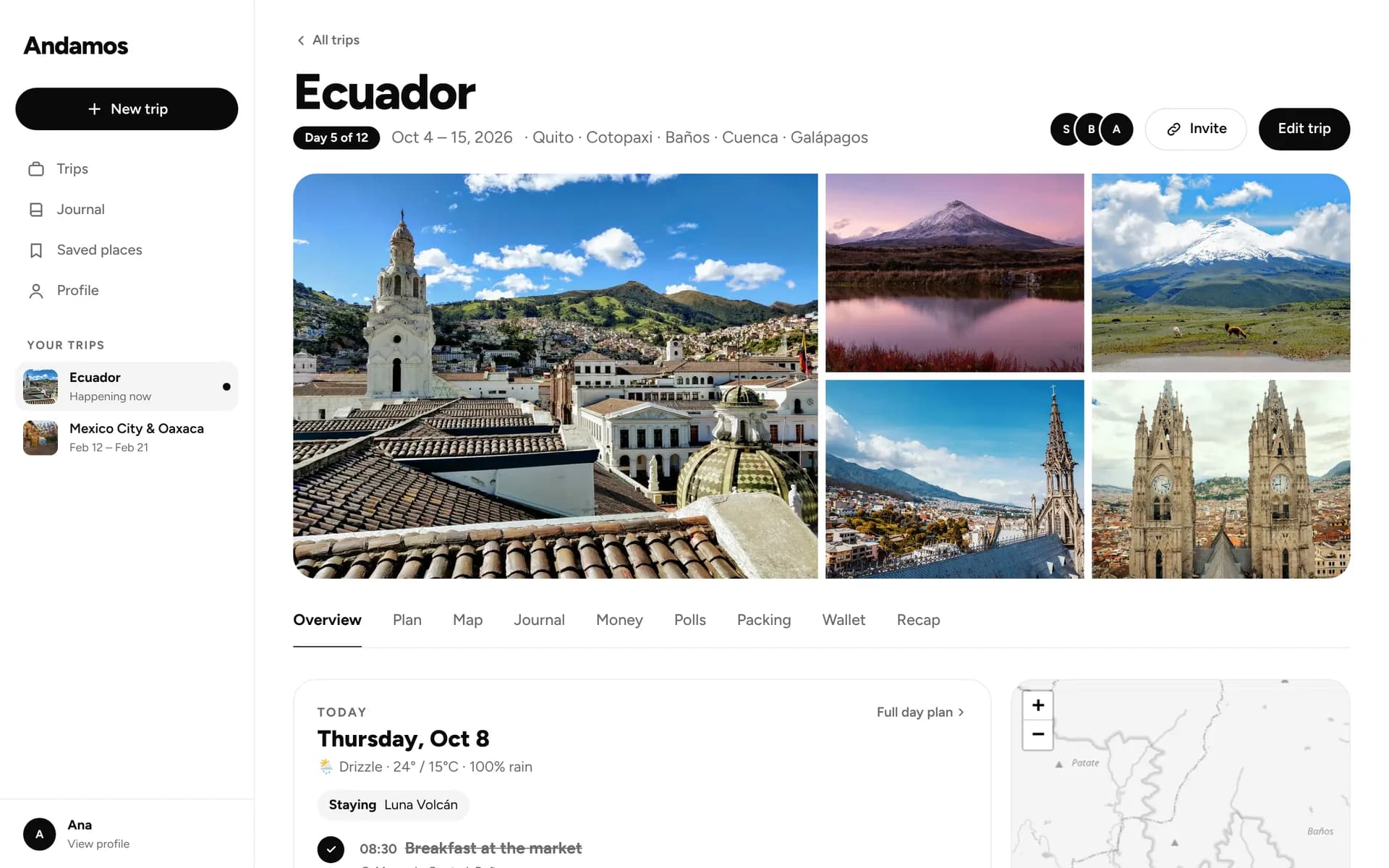
Plan on a big screen with the day beside the map. It’s the same trip on your phone when you go.
Details
And the little things.
Directions in one tap
Search places with addresses, then open directions from any stop.
In your calendar
Add the whole trip to your phone’s calendar.
Copy a trip
Start from one of your trips, or a friend’s, as a template.
On your home screen
Install it from your browser today. Native apps are coming soon to the stores.
English and Spanish
Use Andamos in either language and switch anytime.
Right time, anywhere
Each trip keeps its own time zone, so reminders and “today” line up abroad.
Privacy
Your trips stay yours.
A trip is private until you invite someone. What you share is up to you.
Private by default
Only you and the people you invite can see a trip.
Just for you
Keep memories, wallet files and your packing list private.
No ads
No ads, and we don’t sell your data.
Download your data
Take a copy of everything, anytime.
Ready when you are.
Start planning in a minute. Invite others whenever you like.