
On the road · Free
Take the plan into Google Maps.
Open any day in Google Maps with its stops in order, or download the whole trip for Google My Maps, grouped by day with times and notes.
How it works
01
Open a day
On the plan, tap “Open day in Google Maps” for directions through the day’s stops.
02
Or export the trip
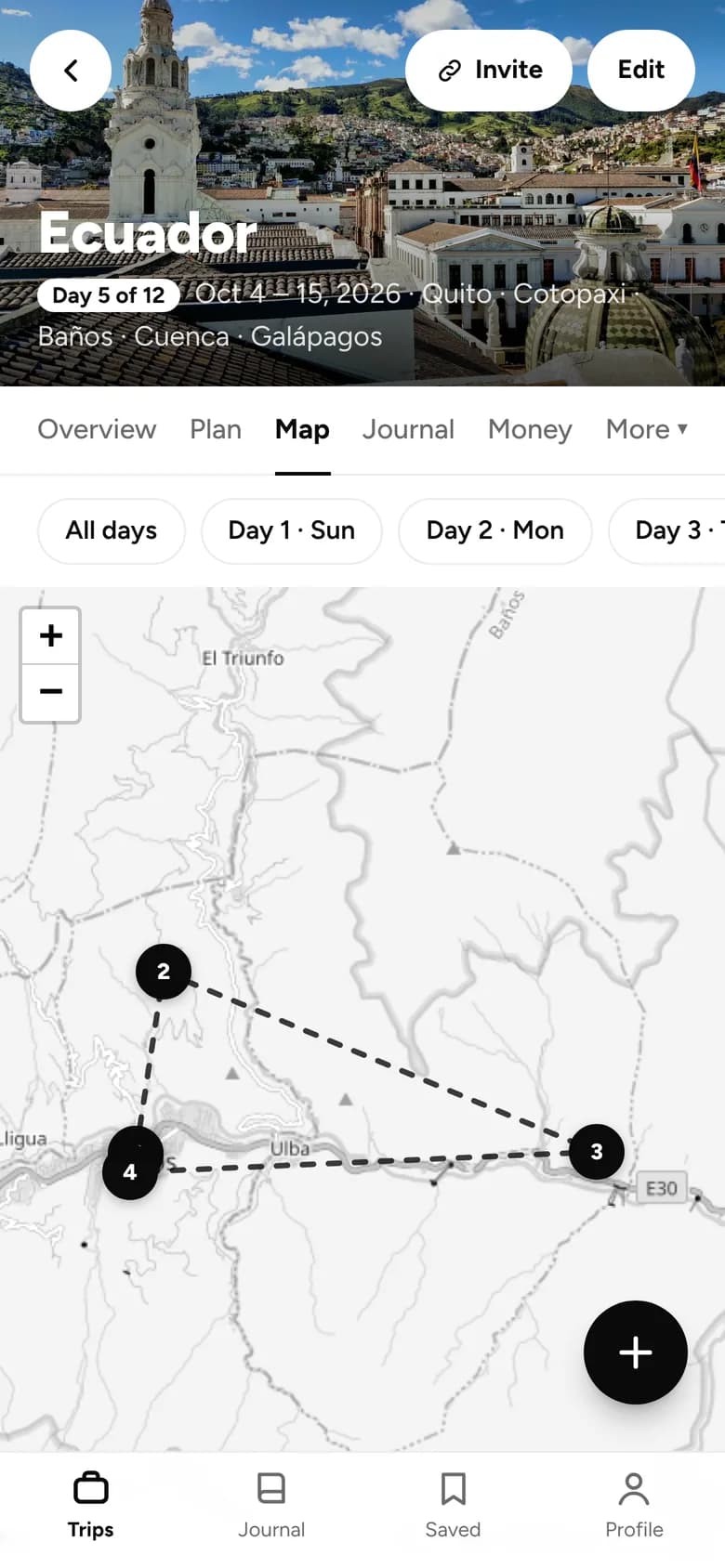
On the map, tap “Download for Google Maps” to get every stop with a place.
03
Import it once
On a computer, make a new map in Google My Maps and import the file. On your phone, find it in Google Maps under Saved, then Maps.
What you get
Google Maps export
- Directions through a day’s stops, in order
- Long days open in parts
- Every stop grouped by day, with times and notes
- On your phone in the Google Maps app
Free on every plan. No card needed. Pro adds AI planning, offline trips, budgets and more.
Goes well with


BOARDING PASS · YOUR NEXT TRIP
FROM
Here
TO
Anywhere
PASSENGER
You (+ whoever’s coming)
FARE
Free
GATE
App Store · Google Play
Ready when you are.
Free on iPhone and Android. Invite others whenever you like.