
On the road · Free
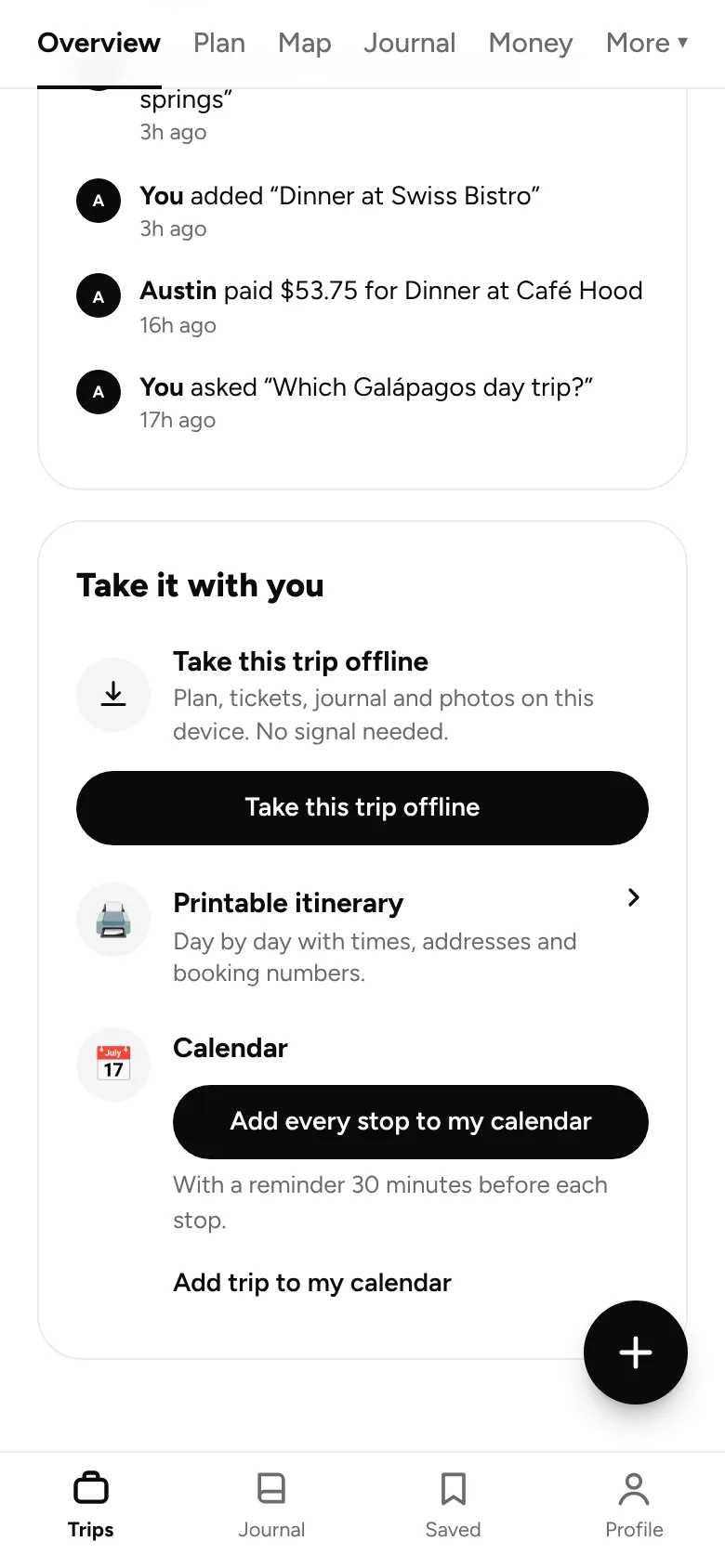
Your whole trip, in your calendar.
Add every stop to Google Calendar, Apple Calendar or Outlook, with times, places and booking numbers, in the right time zone.
How it works
01
Tap “Add every stop”
From the trip overview.
02
Open the file
Your phone or computer adds it to your calendar.
03
Check your day
Times line up with the time zone you’re traveling in.
What you get
In your calendar
- Every stop with its time and place
- Booking numbers and notes included
- Works with Google, Apple and Outlook calendars
- Reminders before each stop come with Pro
Free on every plan. No card needed. Pro adds AI planning, offline trips, budgets and more.
Goes well with



BOARDING PASS · YOUR NEXT TRIP
FROM
Here
TO
Anywhere
PASSENGER
You (+ whoever’s coming)
FARE
Free
GATE
App Store · Google Play
Ready when you are.
Free on iPhone and Android. Invite others whenever you like.