Gate 01
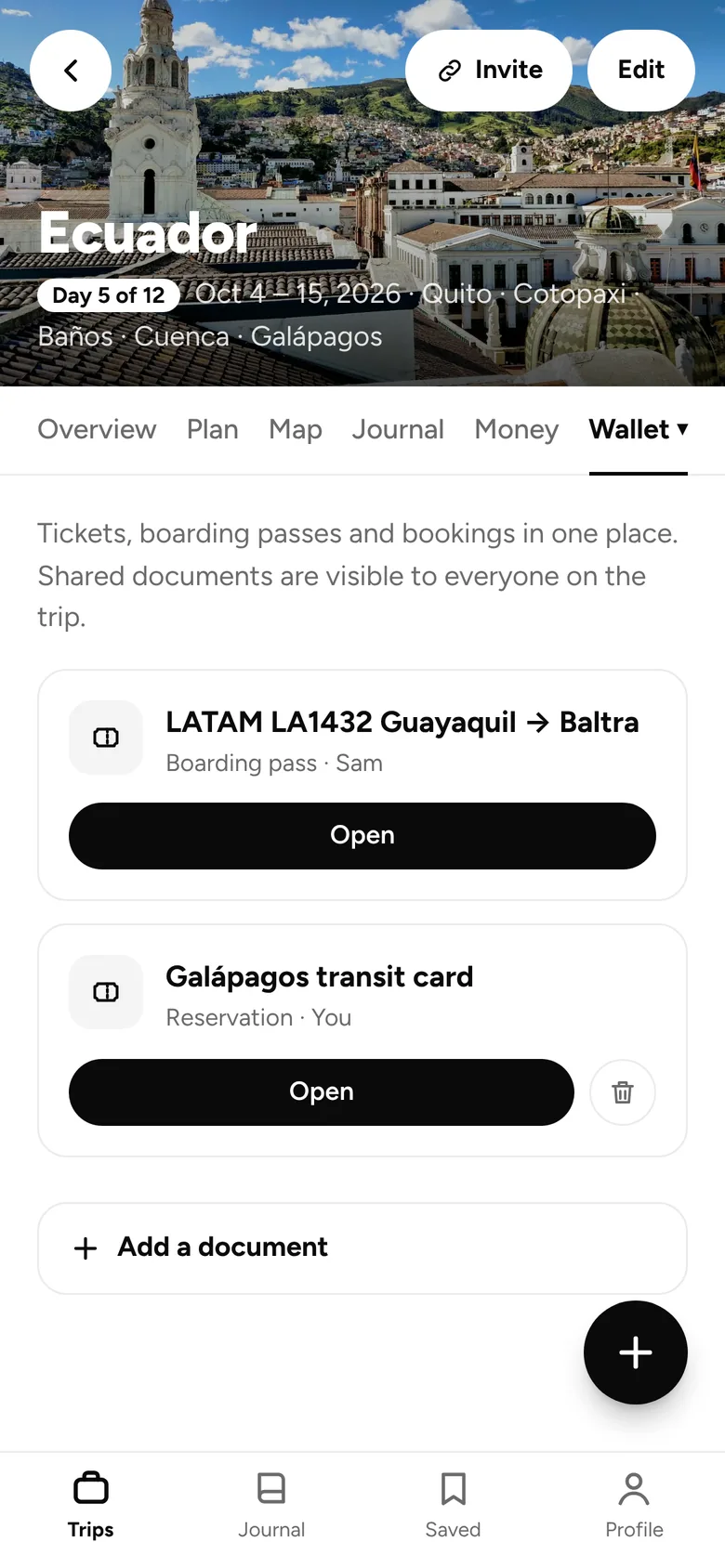
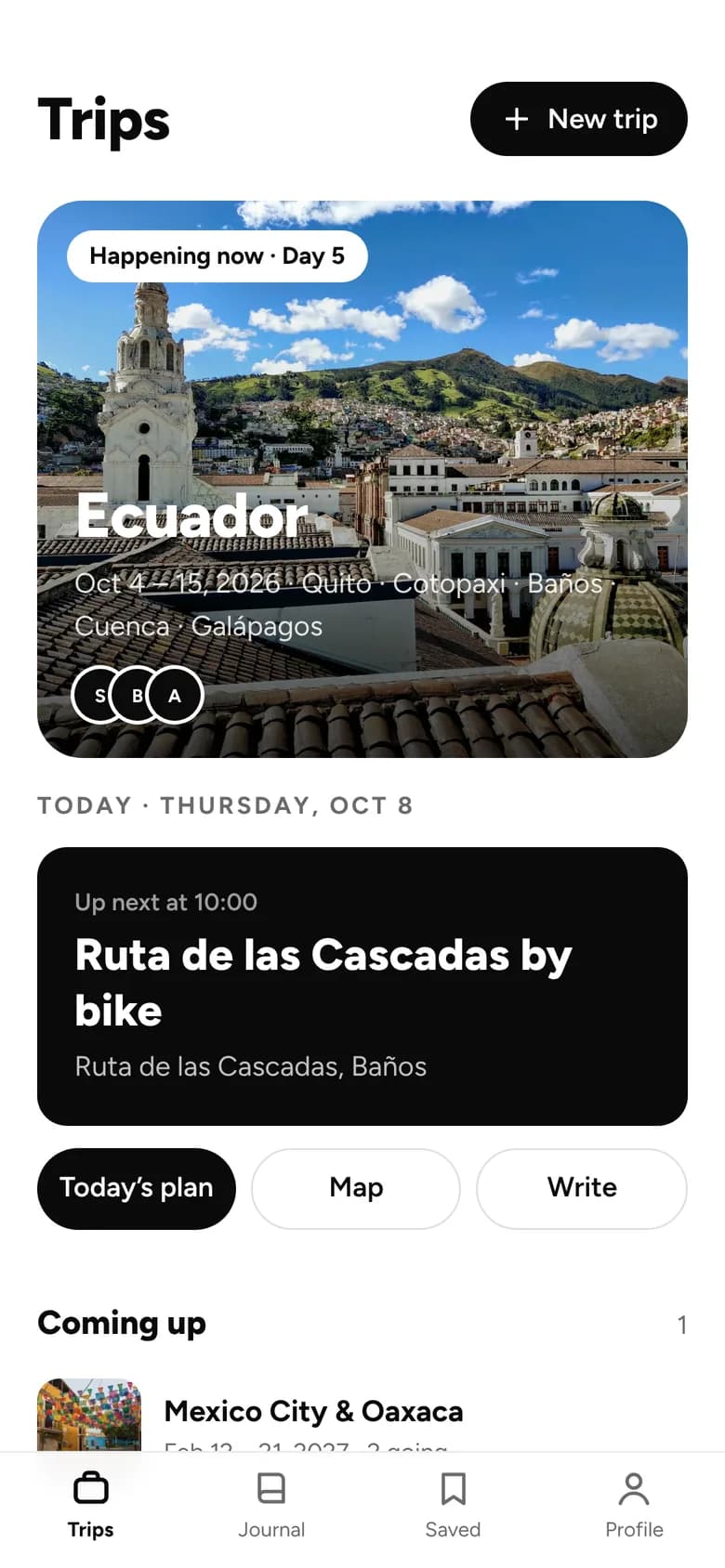
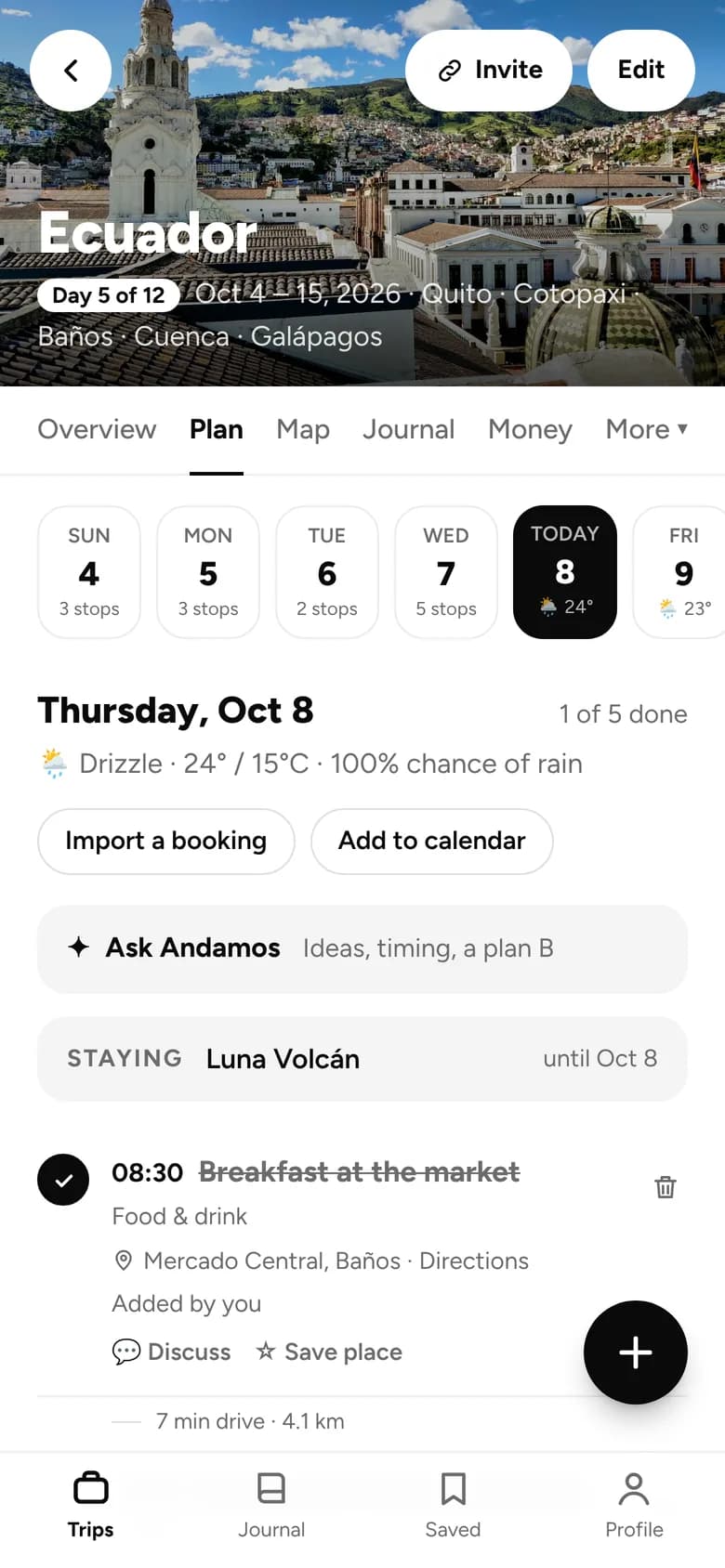
iPhone and iPad
- 1Open andamos.app in Safari.
- 2Tap the Share button at the bottom of the screen.
- 3Scroll down and tap “Add to Home Screen”.
- 4Tap “Add”. Andamos is now on your Home Screen.
To get notifications on iPhone, open Andamos from its Home Screen icon. This needs iOS 16.4 or later.