
Plan · Free
Found a place online? Save it in one click.
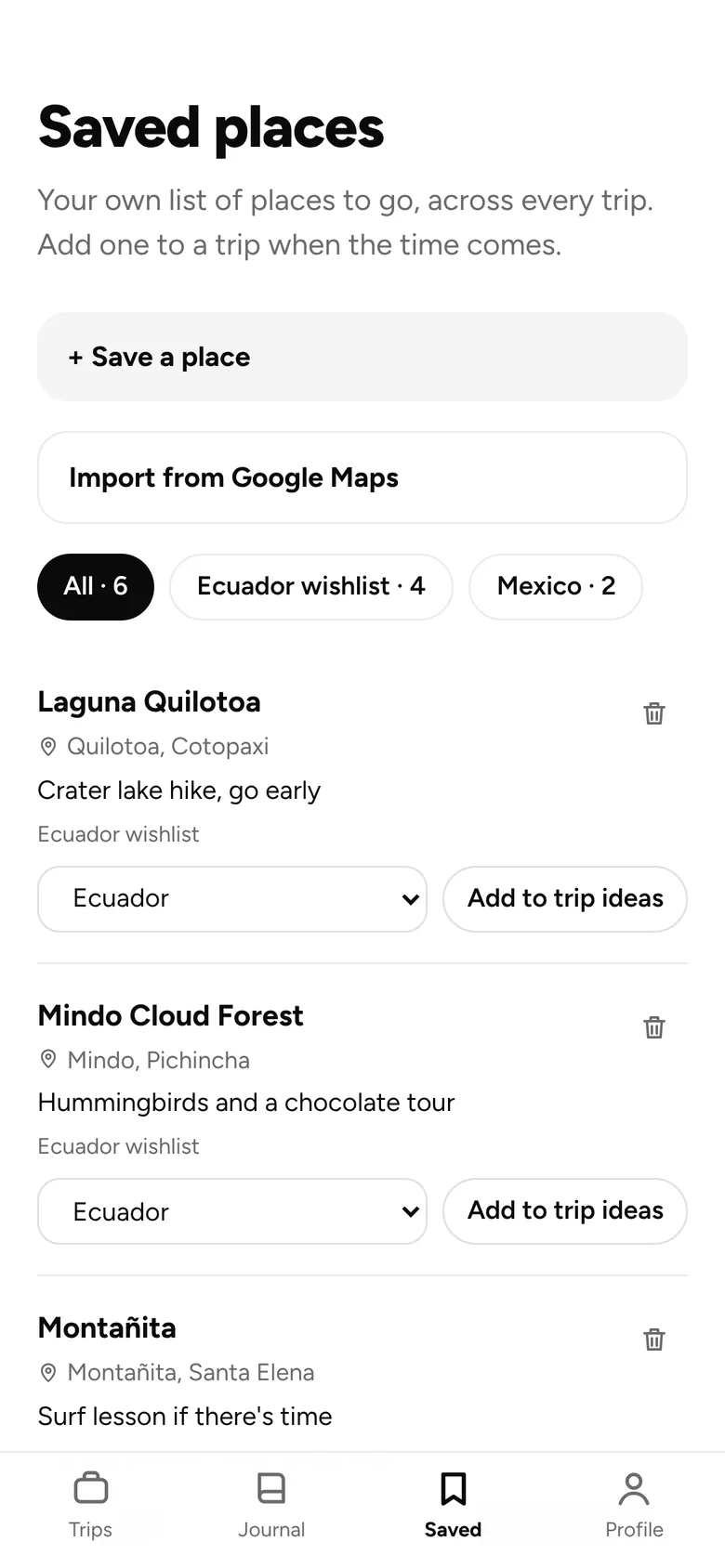
Add the Save to Andamos extension to Chrome or Edge. On a restaurant’s website, a blog or a review, click the button and Andamos opens your saved places with that place ready to save and the page link in the note.
How it works
01
Add the extension
Add Save to Andamos to Chrome or Edge, then pin it to the toolbar.
02
Click it on any page
Or right-click a link or some selected text and choose “Save to Andamos”.
03
Pick the place
Andamos searches for it in your saved places. Choose the right match and tap “Save place”.
What you get
Browser extension
- Works in Chrome and Edge
- Keeps the page link with the place
- Right-click a link or selected text
- Nothing is saved until you pick the place
- Only sees the page when you click the button
Free on every plan. No card needed. Pro adds AI planning, offline trips, budgets and more.
Goes well with



BOARDING PASS · YOUR NEXT TRIP
FROM
Here
TO
Anywhere
PASSENGER
You (+ whoever’s coming)
FARE
Free
GATE
App Store · Google Play
Ready when you are.
Free on iPhone and Android. Invite others whenever you like.