Step by step
Go to andamos.app in any browser and click Sign in.
Sign in the same way you do on your phone: with your email, or with Apple or Google.
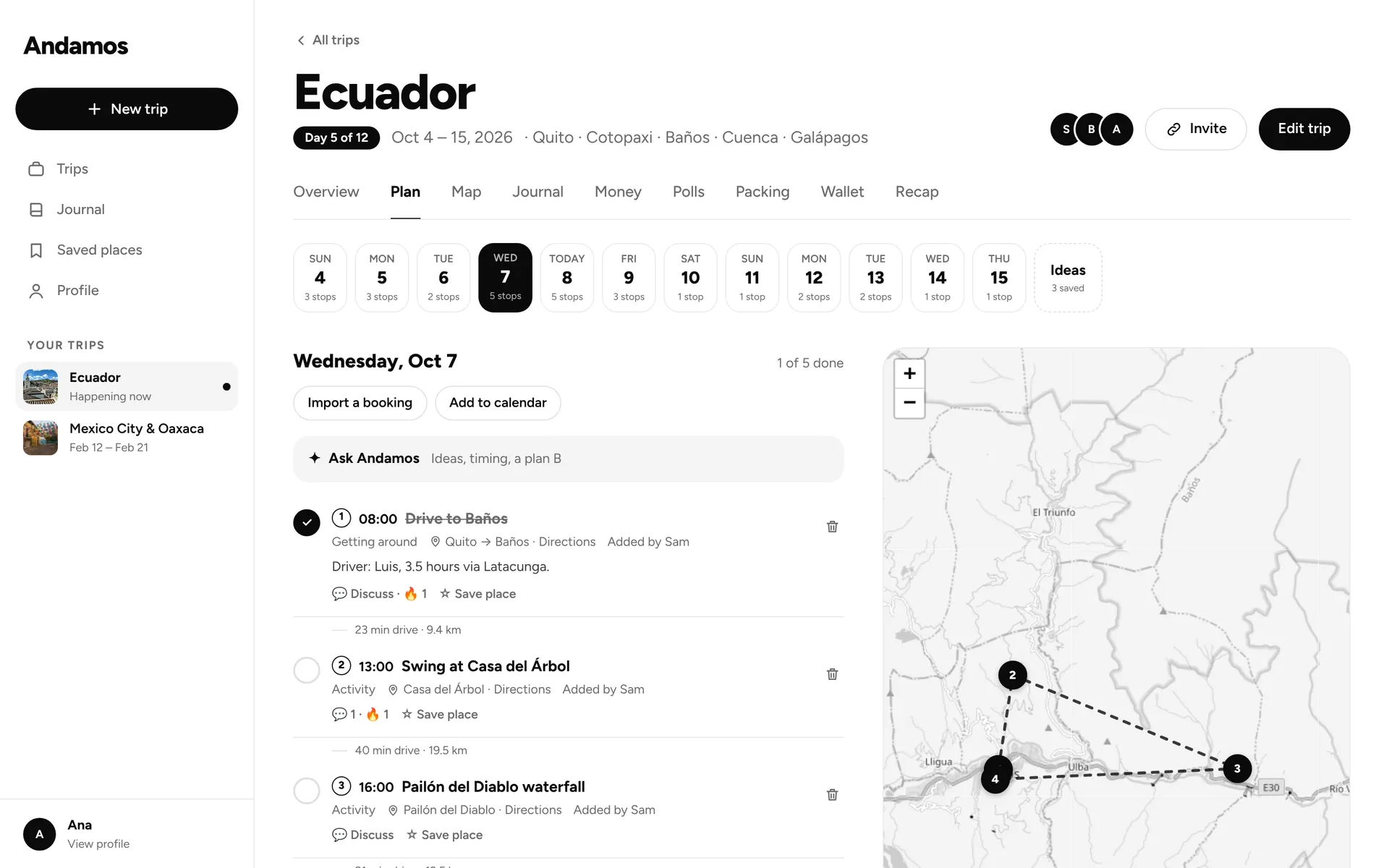
Your trips are listed in the sidebar on the left. Click one to open it.
Use the tabs across the top. On a computer, Polls, Packing, Wallet and Recap sit right next to Plan, Map and Money.
Good to know
- To start a trip, click New trip at the top of the sidebar.
- On a computer, the forms to add a stop, an expense or a document sit beside the list, so there’s no + button.